Excel balance sheet template: see your company's financial position on one page
Fill in assets, liabilities and equity and get the totals, an automatic balance check and charts comparing this year with last year.
- ⚡ Instant download
- 🔒 Secure checkout by Stripe
- ↩️ 7-day guarantee
Sound familiar?
- You rebuild the balance sheet from scratch every year
- The totals don't match and finding the mistake takes hours
- The bank or a partner asks for your financial position and you have nothing clean to show
The Trial Balance Template fixes that in a few minutes, for $4.99.
What changes when you use it
Look organized to the bank
A standard structure that accountants, banks and partners recognize at a glance.
Catch errors instantly
The balance check compares total assets with liabilities and equity automatically.
See if you're growing
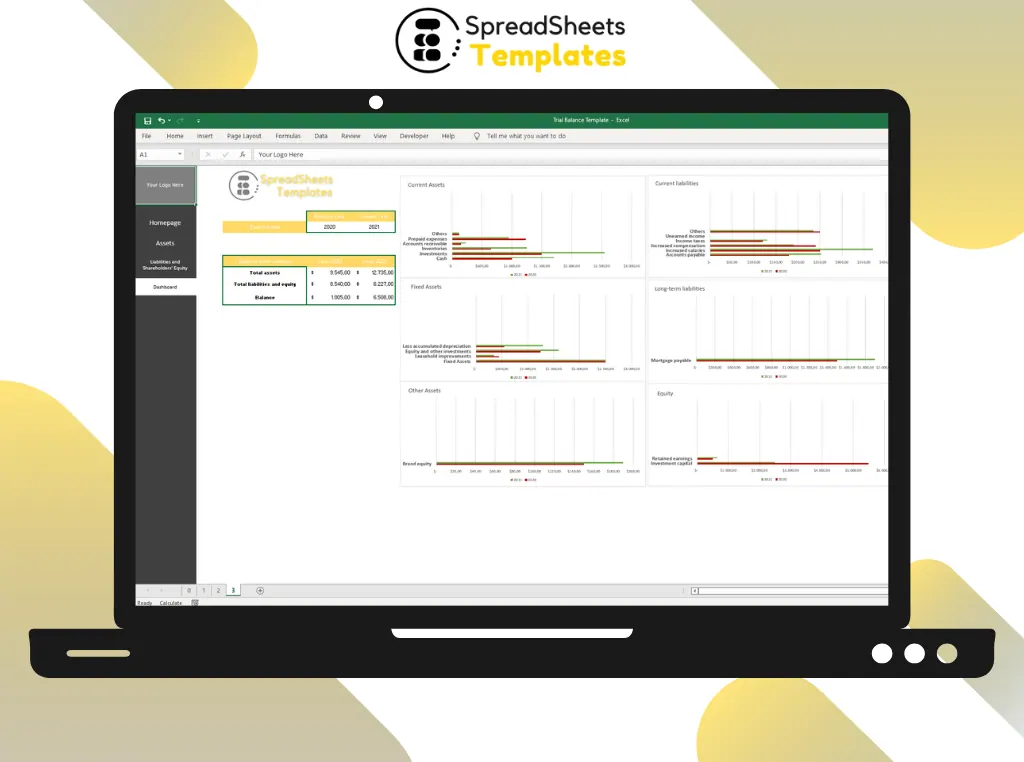
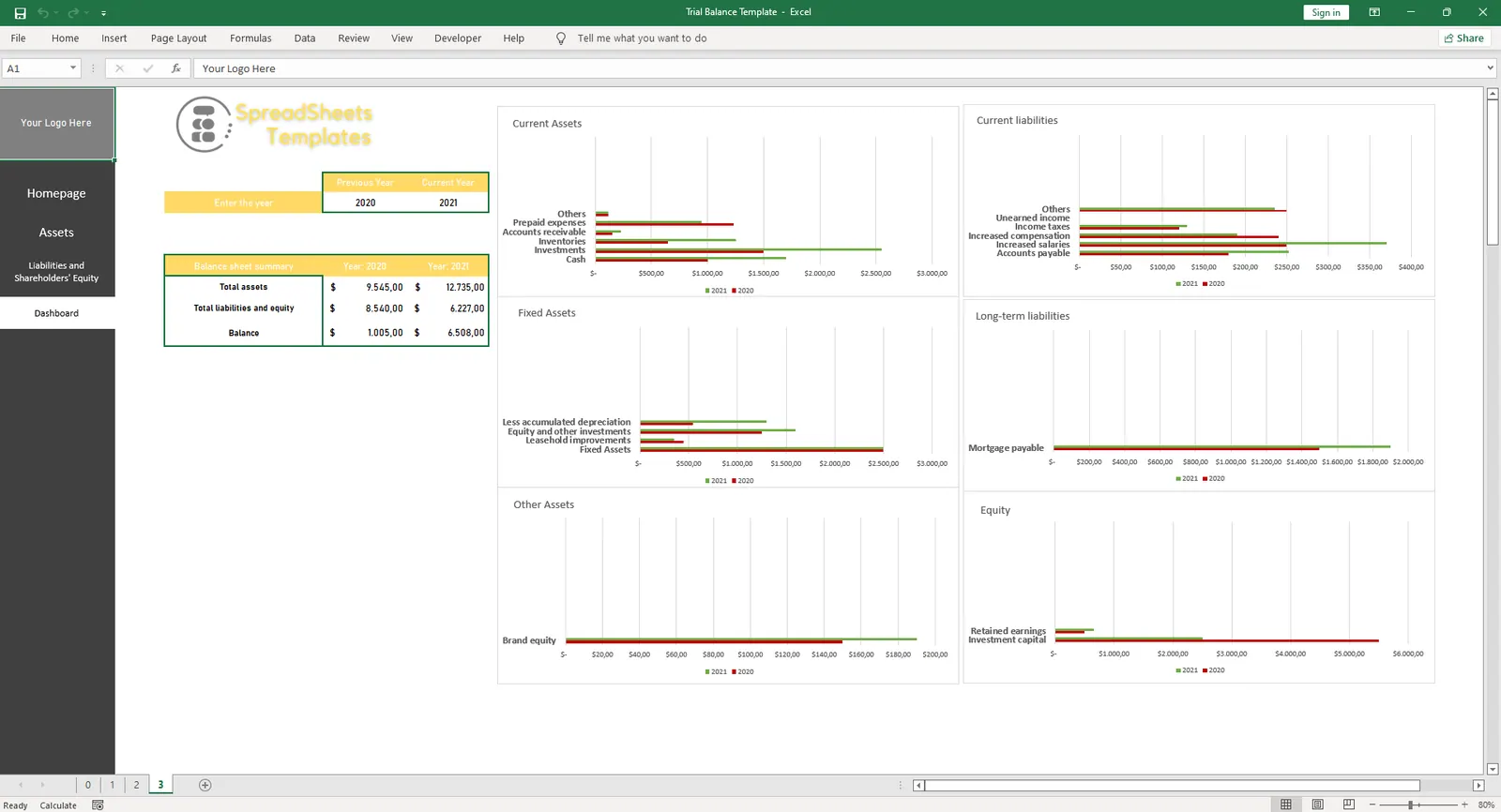
Previous year and current year side by side, with 6 charts.
Done in an afternoon
Every line is already there: just type your numbers.
What's inside the spreadsheet
- Current assets: cash, investments, inventories, receivables, prepaid expenses
- Fixed and other assets, including depreciation and brand equity
- Current and long-term liabilities
- Stockholders' equity: capital and retained earnings
- Automatic totals and balance check
- Previous year vs. current year
- 6 ready charts
- Menu buttons for Assets, Liabilities and Dashboard
Ready in 3 simple steps
Buy securely
Pay $4.99 once through the secure checkout (Stripe).
Download instantly
Your file is ready right after payment and also arrives in your e-mail.
Fill in and use
Open it in Excel, type your data and let the formulas do the work.
Made for
Everything you get
- Trial Balance Template (.xlsx file), 100% editable
- Instant download right after payment, plus the link in your e-mail
- Use it on as many of your own computers as you need
- No subscription and no monthly fees, ever
- Free e-mail support to help you get started
- 7-day money-back guarantee
Works with: Excel 2010 or newer on Windows or Mac · also opens in Google Sheets
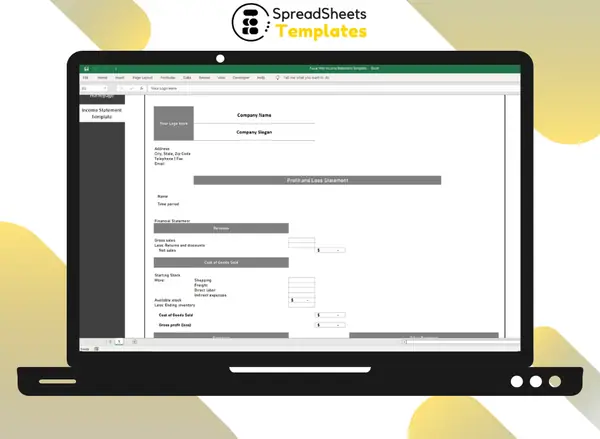 Need the profit and loss side too? See the Income Statement Template.
Trial Balance Template
$4.99
Less than a coffee for a balance sheet you'll reuse every year.
Download nowFrequently asked questions
Does it replace my accountant?
No. It organizes your numbers in a standard format, which makes reviewing them with your accountant much easier.
Can I rename the lines?
Yes. Every line is editable, so you can adapt it to your chart of accounts.
How do I receive the spreadsheet?
Right after payment you get the download link on screen and by e-mail. Lost it? Get new links anytime on the "My downloads" page.
Which software do I need?
Microsoft Excel 2010 or newer (including Microsoft 365) on Windows or Mac. It also opens in Google Sheets and LibreOffice, although some formatting may look slightly different.
Can I edit it and add my logo?
Yes. The file is not locked: you can rename labels, add rows and put your own logo in it.
What language is the file in?
English.
Is it a subscription?
No. You pay $4.99 once and the file is yours to use for as long as you want.
What if it is not what I need?
You have 7 days to try it. If it does not meet your needs, write to us and we will help you, exchange it for another template or refund your payment.
More about the Trial Balance Template
A company's balance sheet is essential for ensuring cost management and tracking its assets. However, its use is not limited to accounting purposes: the balance sheet concept also allows the company to have a consolidated view of its evolution over a certain period of time, since it shows all its assets and liabilities.
Liabilities, Assets, and Equity are large segments, composed of accounts that divide the characteristics of a company's balance sheet. Therefore, these accounts vary widely by industry.
And the same terms can have different situations. Depending on the nature of the business.
The trial balance functions as a summary of the company's balances and accounts over a given period of time, and is most often only for the organization's internal use.
Its purpose is administrative, so it can be printed, edited and changed at any time, simply to present the overall financial health of the company.
Do companies need to do trial balances?
Although not mandatory, the trial balance is very important for preventing possible credit and debit errors in a company's accounts. The balance values in the trial balance are fluctuating, that is, they can be changed at any time.
How is the trial balance made?
The trial balance is a financial statement that lists the debit and credit balances of an organization.
To make it, the data contained in the general ledger is used as a basis - that is, the financial movements drawn from the balance sheet and income statement accounts.
First, the balance of each account is identified according to its nature (debit or credit), so that the groups to which the account belongs (assets, liabilities or equity) are disregarded.
They are then transferred to the Trial Balance, organized in ledger format. Here the debit balance is shown on the left-hand side, while the credit balance is shown on the right-hand side.
The sum of all components, on each side, is what generates the final balances.
Advantages of the Free Balance Sheet Template
In the spreadsheet you can find three tabs that can be changed and filled out at the user's discretion, in the three tabs are located Summary, Assets, Liabilities, and Equity. In the balance sheet summary it is possible to observe with visual indicators.
Therefore, facilitating the visualization and promoting a broader view with ease of observation.
However, it contains graphics of the assets, liabilities and equity. Besides having in the assets tab free fields to perform the actions of the assets and automatically making the calculations of current assets, fixed assets and other assets.
Get organized today for just $4.99
Download the Trial Balance Template now and start using it in minutes.
Download now for $4.99One-time payment · Instant download · 7-day guarantee