How to Track Employee PTO and Vacation Balances
Paid time off (PTO) is one of the most valued benefits — and one of the easiest to track badly. A simple system keeps balances accurate and avoids teams being short-staffed.
Step 1: Define the policy
- Allowance per year (e.g., 15–25 days).
- Carryover rules: how many unused days move to next year.
- Which leave types reduce the balance (vacation, personal, sick) and which don’t (unpaid, bereavement, jury duty).
- How far ahead requests must be made.
Step 2: Keep a balance per employee
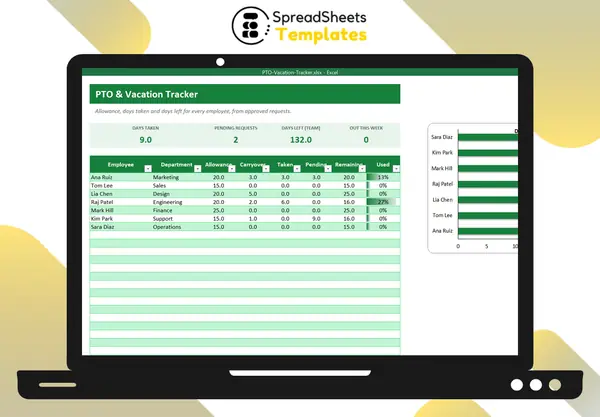
Remaining = allowance + carryover − days taken
Show pending requests separately so managers know what’s coming.
Step 3: Log every request
For each request: employee, type, request date, first day, last day, number of working days and status (pending, approved, rejected).
Step 4: Count working days correctly
Use NETWORKDAYS to exclude weekends and public holidays:
=NETWORKDAYS(FirstDay, LastDay, Holidays)
A Monday–Friday vacation with a holiday on Thursday counts as 4 days, not 5.
Step 5: Watch coverage
Before approving, check who else from the team is out. A simple “out this week” count prevents surprises.
Year end
Calculate carryover, reset allowances and remind employees with large balances to plan time off — rested teams perform better.
Template
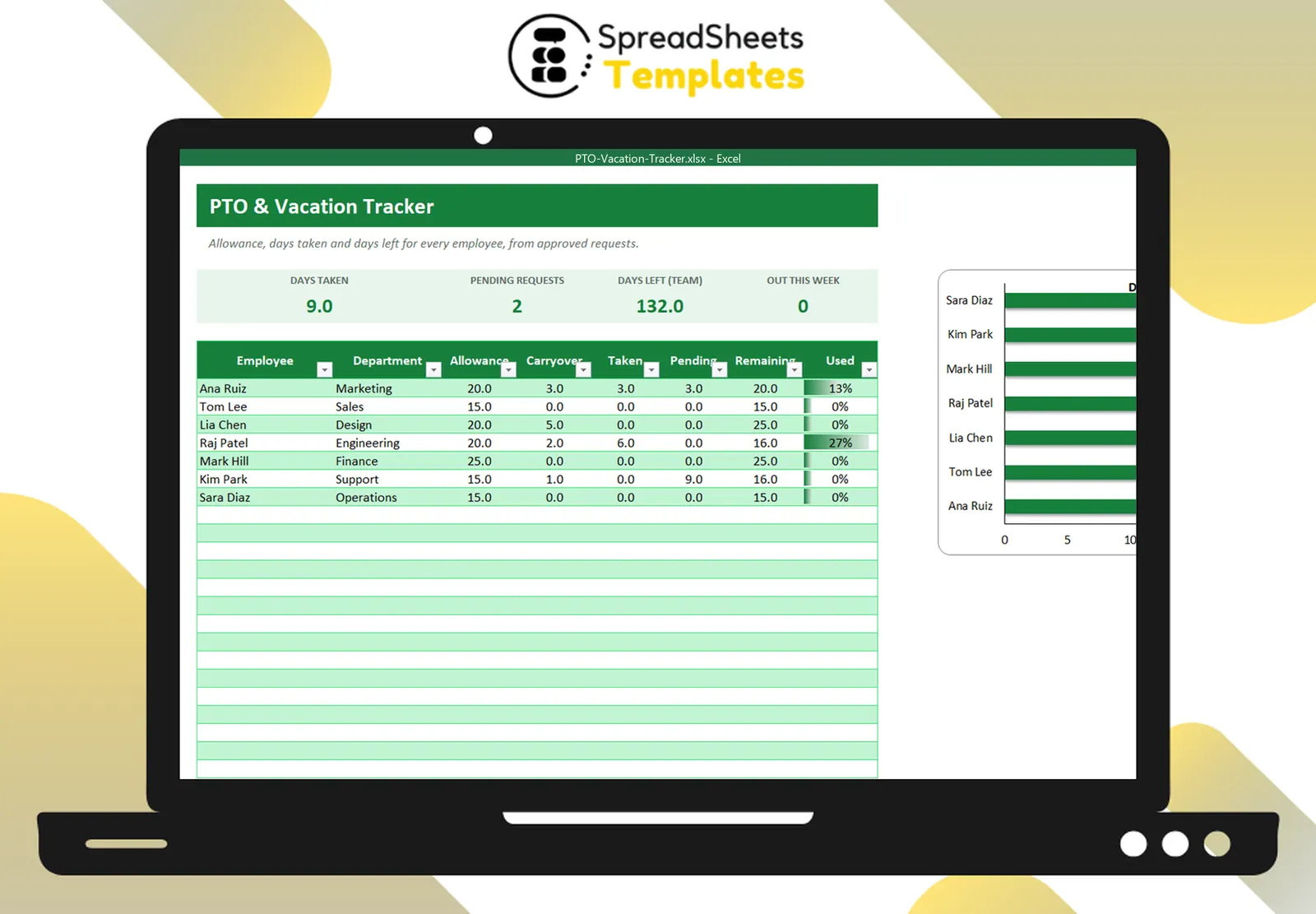
The PTO & Vacation Tracker keeps balances per employee (allowance, carryover, taken, pending, remaining), logs requests with automatic working days excluding your holidays, and shows who’s out this week.