How to Build Habits That Stick (and Track Them)
Habits are what you do when nobody is watching and motivation is gone. The good news: small, tracked habits compound like interest.
Start small
Pick 3–5 habits, and make them almost too easy at first: read 10 pages, walk 15 minutes, drink a glass of water when you wake up. You can increase later; consistency comes first.
Make them specific
“Exercise more” becomes “exercise 30 minutes, 4 days a week”. “Sleep better” becomes “in bed by 11 pm”.
Set a monthly goal per habit
Not every habit needs to be daily. A goal like “16 days of exercise this month” is realistic and still powerful.
Track every day
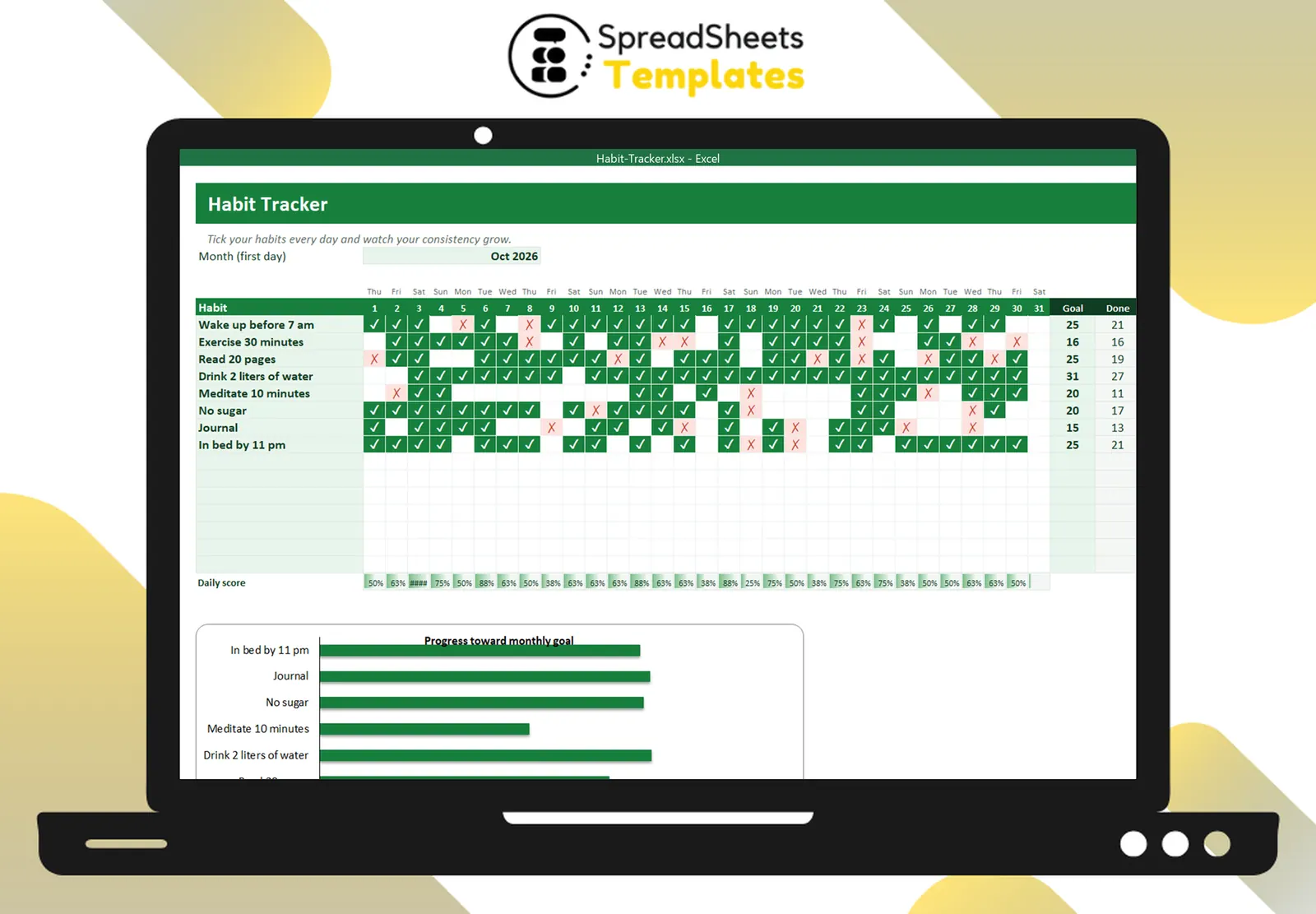
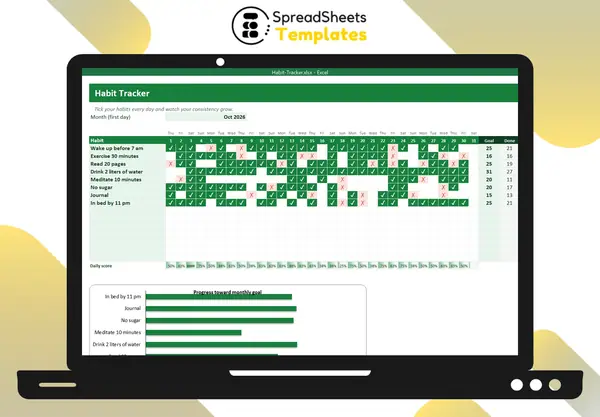
A grid with habits in rows and days in columns, where you mark ✓ (done) or ✗ (skipped), turns abstract intentions into a visible chain. Many people find that not wanting to break the chain is the strongest motivator.
Never miss twice
You will miss days. One miss is an accident; two in a row is the start of a new (bad) habit. Plan your comeback the moment you miss.
Stack habits
Attach a new habit to an existing one: “after my morning coffee, I write three lines in my journal.” The existing habit becomes the trigger.
Review weekly
Look at the week: which habits are easy, which keep failing? Make the failing ones smaller or change the time of day.
Template
The Habit Tracker has a monthly grid with automatic dates, ✓ and ✗ with colors, a goal per habit, progress bars, a daily score and a chart. Plan your week with the Weekly Planner.