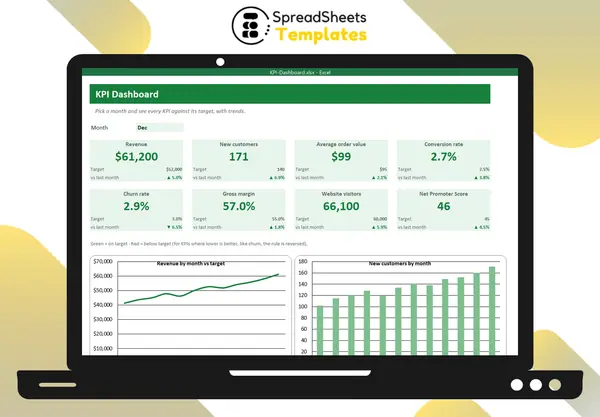
How to Build a KPI Dashboard in Excel
Choose the right KPIs, structure the data, build KPI cards with targets and month selection, and keep the dashboard useful.
Choose the right KPIs, structure the data, build KPI cards with targets and month selection, and keep the dashboard useful.
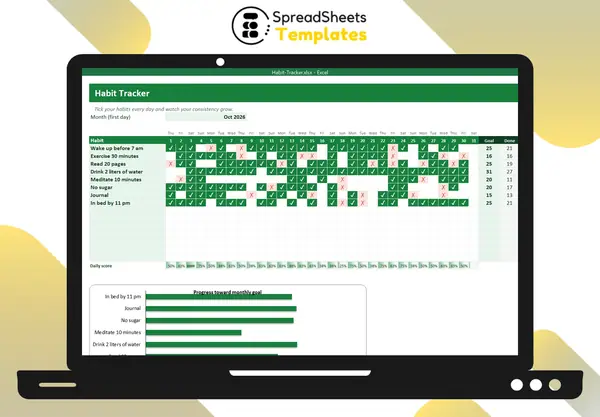
Practical steps to build new habits: start small, set a monthly goal, track daily and never miss twice — with a simple tracker.
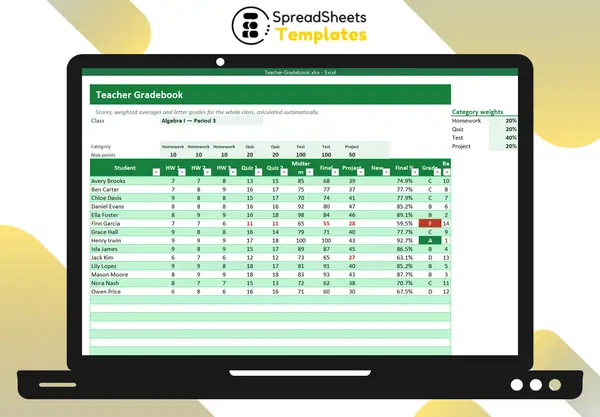
How weighted grading works by category, the Excel formulas for weighted averages, letter grades with LOOKUP and class statistics.
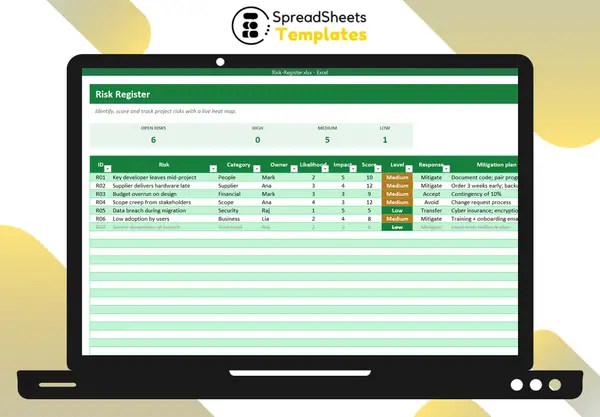
Identify risks, score likelihood and impact, choose responses and visualize them on a heat map — a practical guide.
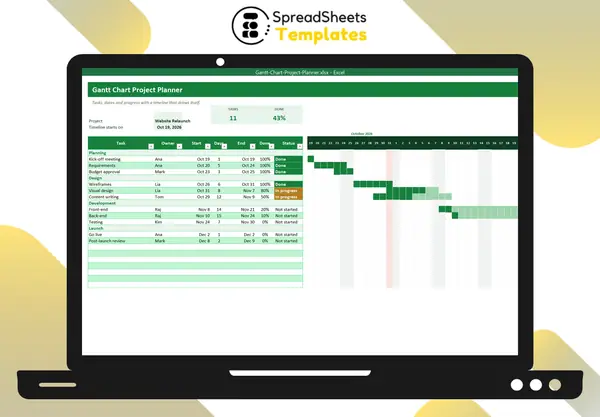
Build a Gantt chart in Excel with conditional formatting: tasks, dates, progress shading, status and a today marker.
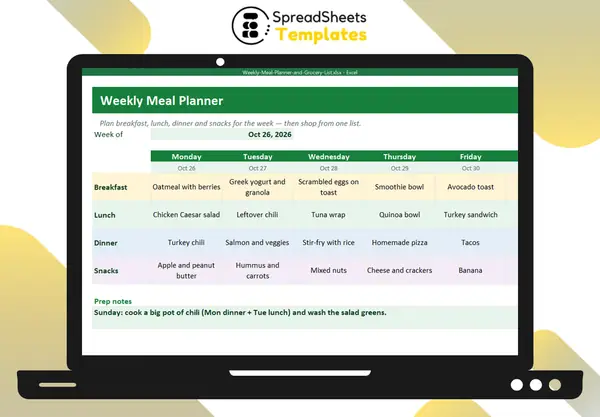
A simple weekly meal planning routine: plan around leftovers, build a grocery list by section and stay within a food budget.
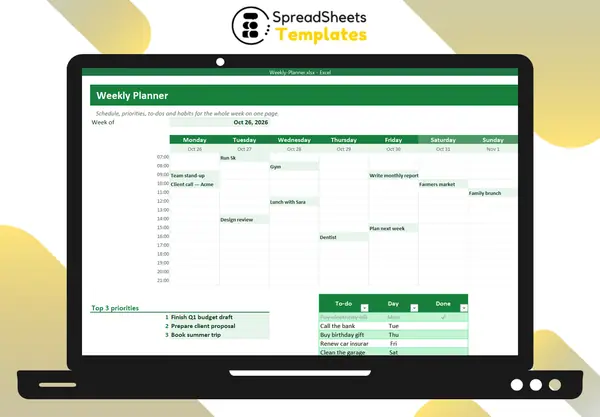
A simple weekly planning routine: review, pick 3 priorities, schedule time blocks, list to-dos and track habits.
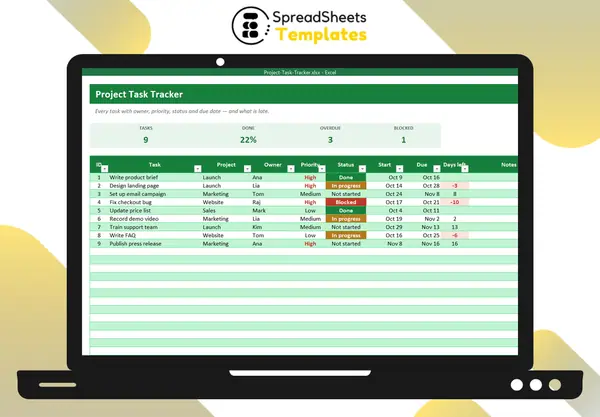
A simple task tracking system for small teams: fields to track, statuses, priorities, weekly review and workload balance.
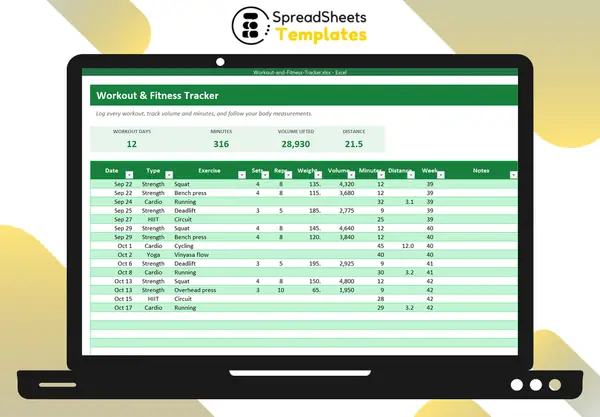
What to log in a workout journal, how to use training volume and progressive overload, and how to track body measurements.
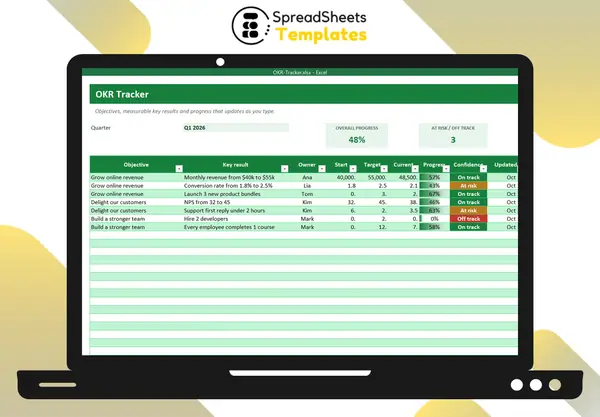
What OKRs are, how to write good objectives and key results, examples, scoring and a simple weekly tracking routine.
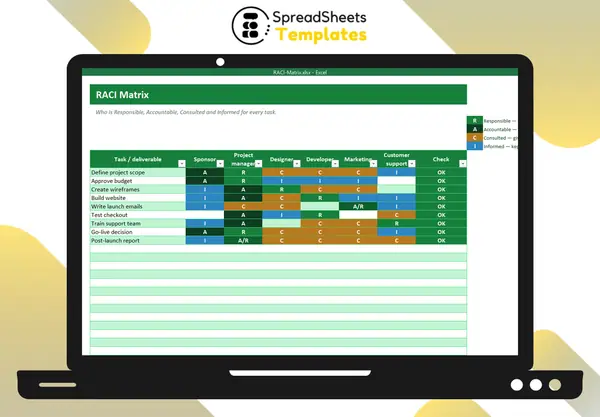
RACI explained: Responsible, Accountable, Consulted, Informed, the golden rules and how to build a RACI chart in Excel.
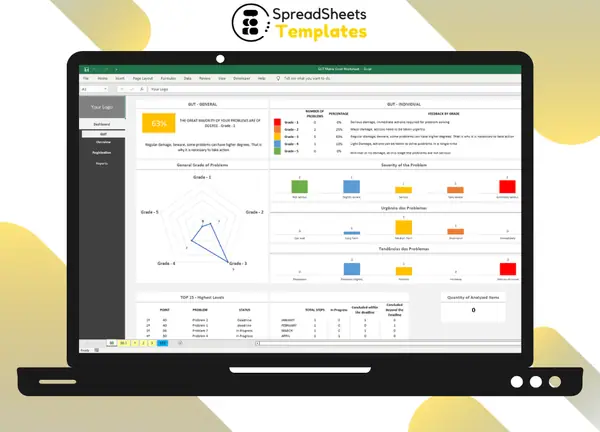
Simplify Your Decision-Making Process Introduction In today's fast-paced business environment, effective decision-making is crucial for success.…