How to Plan Your Week in 20 Minutes
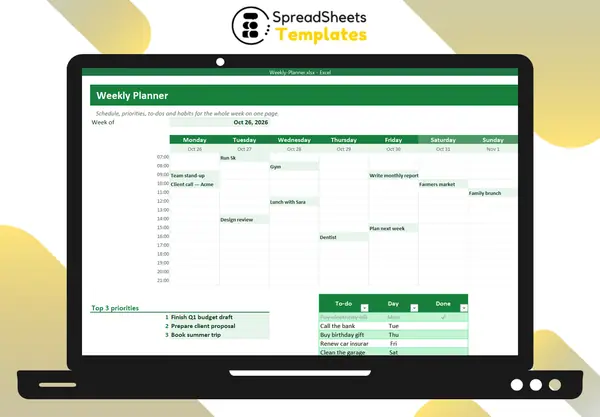
Weekly planning is the habit that makes every other productivity habit work. Twenty minutes on Sunday evening (or Monday morning) saves hours of reacting during the week.
Step 1: Review last week (5 minutes)
What got done? What didn’t, and why? Move unfinished tasks forward or drop them. Glance at your calendar for the coming week.
Step 2: Choose your top 3 priorities
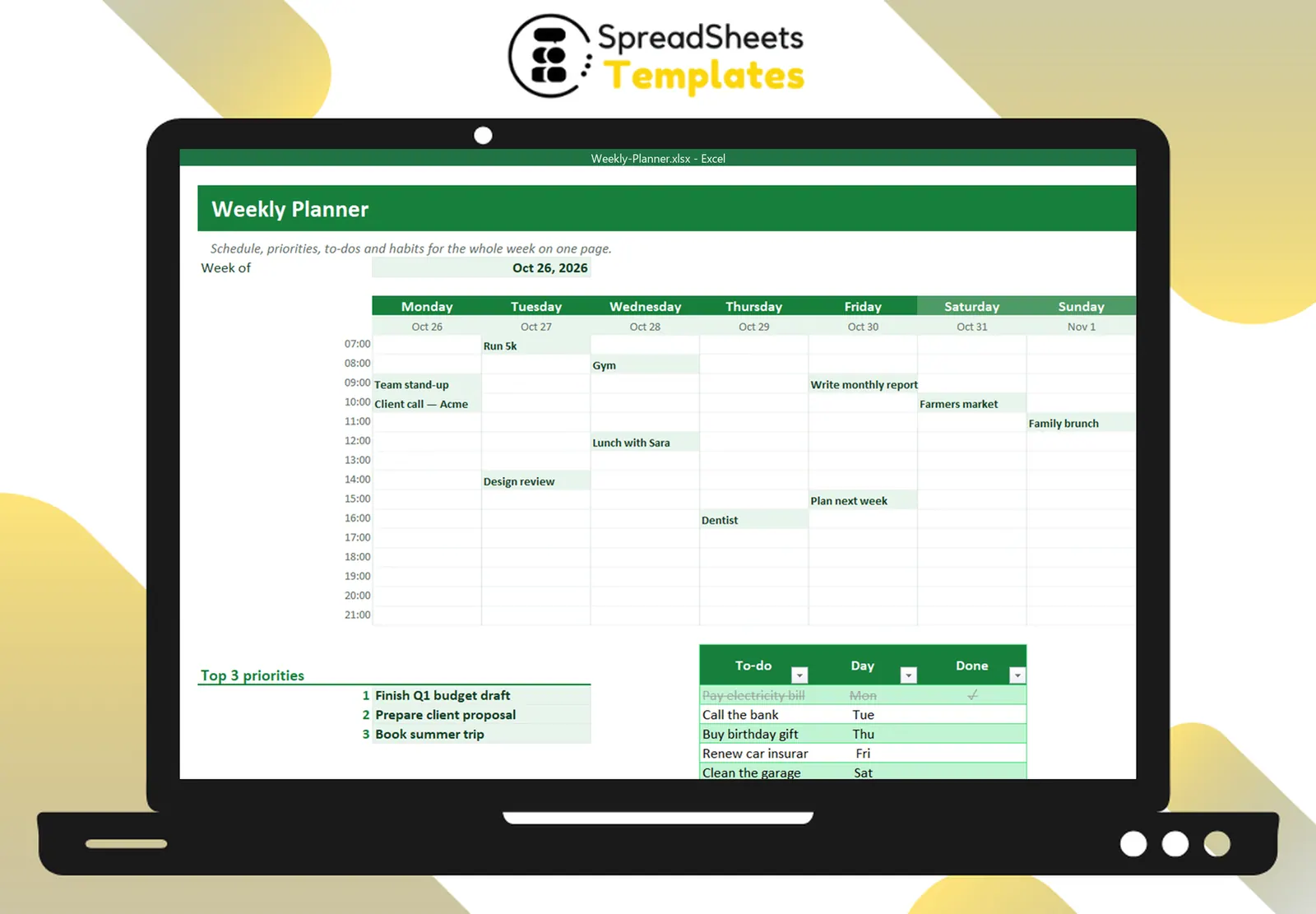
Not ten. Three outcomes that would make this week a success, like “finish Q1 budget draft” or “prepare client proposal”. Write them where you’ll see them every day.
Step 3: Block time for them
Put your priorities on the calendar as appointments with yourself — ideally in your best-energy hours. If they’re not on the schedule, meetings and emails will eat that time.
Step 4: Add fixed commitments
Meetings, calls, appointments, school pickups, workouts. Seeing them on an hourly grid shows how much free time you really have (usually less than you think).
Step 5: List your to-dos with a day
Small tasks (pay a bill, call the bank, buy a gift) go on a to-do list with the day you plan to do them. Crossing them off is surprisingly motivating.
Step 6: Pick a few habits
Water, exercise, reading, a screen curfew — choose 3–4 and tick them daily. Weekly visibility makes streaks easier.
During the week
- Look at the plan every morning (2 minutes).
- Move things, don’t abandon the plan.
- Protect the priority blocks.
Template
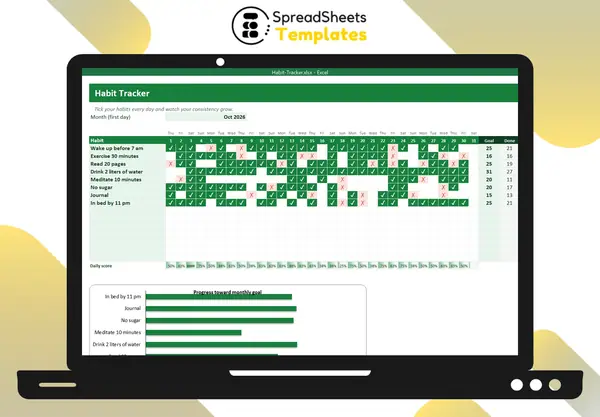
The Weekly Planner has an hourly grid for seven days with automatic dates, top 3 priorities, a to-do list that crosses off finished tasks, a weekly habit tracker and notes — all on one printable page. For monthly habit streaks, use the Habit Tracker.