How to Track Issues and Bugs in a Simple Log
An issue tracker is a shared list of problems and requests: bugs, customer complaints, IT tickets, change requests. Its job is simple — make sure nothing gets lost and the important things get fixed first.
Fields to capture
- ID (#101, #102…)
- Title — one clear sentence
- Type — bug, request, question, task
- Priority — critical, high, medium, low
- Status — open, in progress, resolved, closed
- Reported by and assigned to
- Opened and resolved dates
- Resolution notes
Define priorities
- Critical: blocks customers or revenue — fix now.
- High: important, fix this week.
- Medium: fix when possible.
- Low: nice to have.
Agree on these definitions with the team; otherwise everything becomes “critical”.
A simple workflow
- Open — logged and triaged.
- In progress — someone is working on it.
- Resolved — fixed, waiting for confirmation.
- Closed — confirmed by the reporter.
Measure resolution time
Days open = (resolved date or today) − opened date. The average for resolved issues shows how responsive the team is; track it monthly.
Triage routine
Once a day (or week, depending on volume):
- Assign new issues and set priority.
- Review all critical and high open issues.
- Close resolved issues that were confirmed.
Template
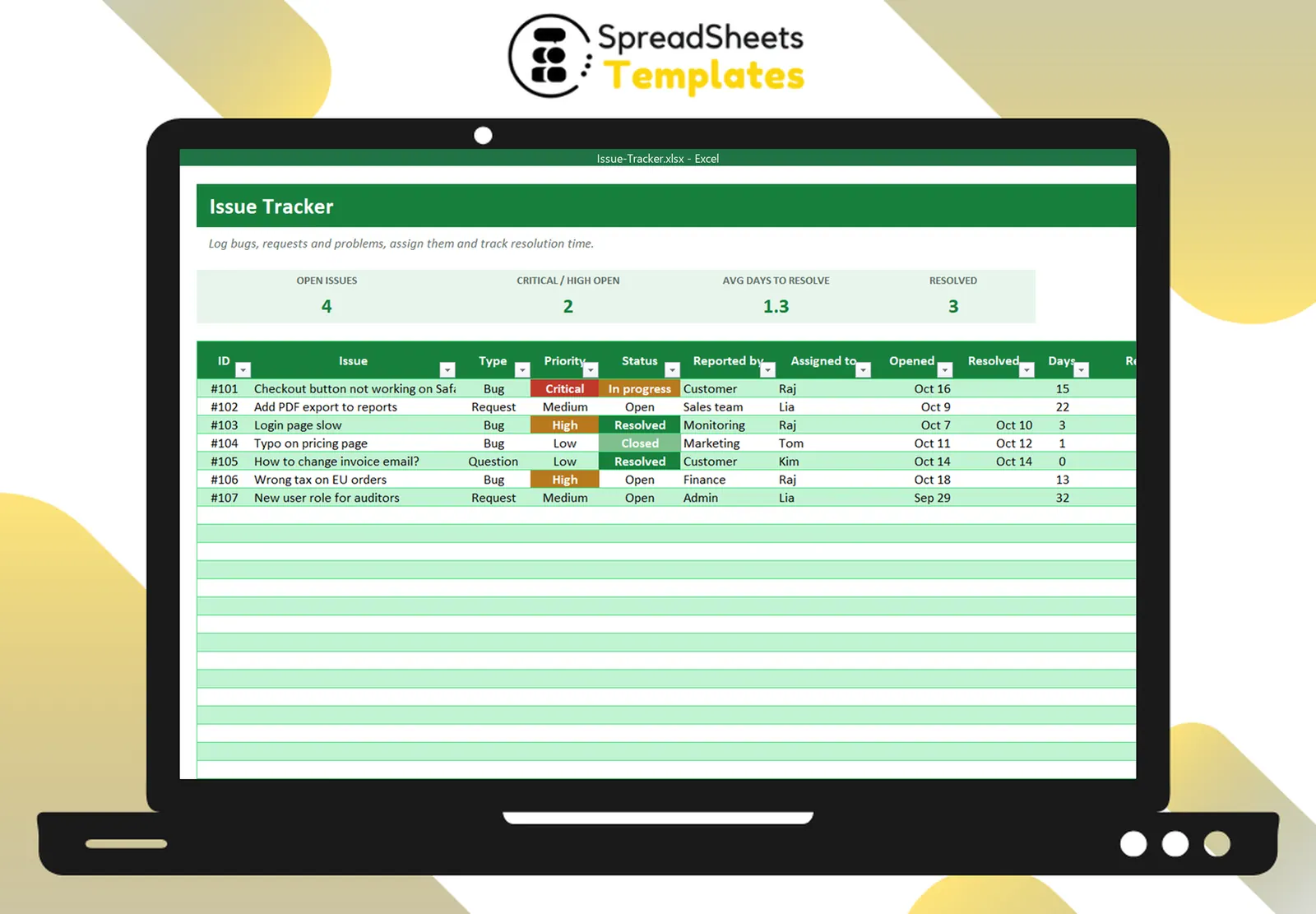
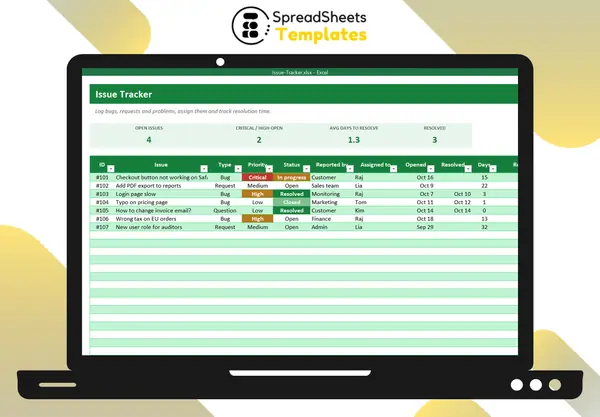
The Issue Tracker logs issues with type, priority, status and owner, calculates days open and average resolution time, highlights priorities and statuses, and summarizes issues by priority and status with a chart.