How to Create a Preventive Maintenance Schedule
Fixing a machine after it breaks is usually the most expensive way to maintain it: emergency repairs, stopped work, unhappy customers. Preventive maintenance — servicing equipment on a schedule — costs less and keeps operations predictable.
Step 1: List your equipment
Give each machine an ID, name and location: compressors, forklifts, HVAC units, vehicles, generators, conveyor belts, kitchen equipment.
Step 2: Set service intervals
Use the manufacturer’s manual as a starting point: oil every 90 days, filters every 180 days, inspection every 30 days. Adjust based on use and environment (dust, heat, heavy loads).
Step 3: Log every service
For each maintenance event, record:
- date;
- equipment ID;
- type: preventive, corrective (repair) or inspection;
- description;
- technician or company;
- cost;
- downtime in hours.
Step 4: Calculate the next due date
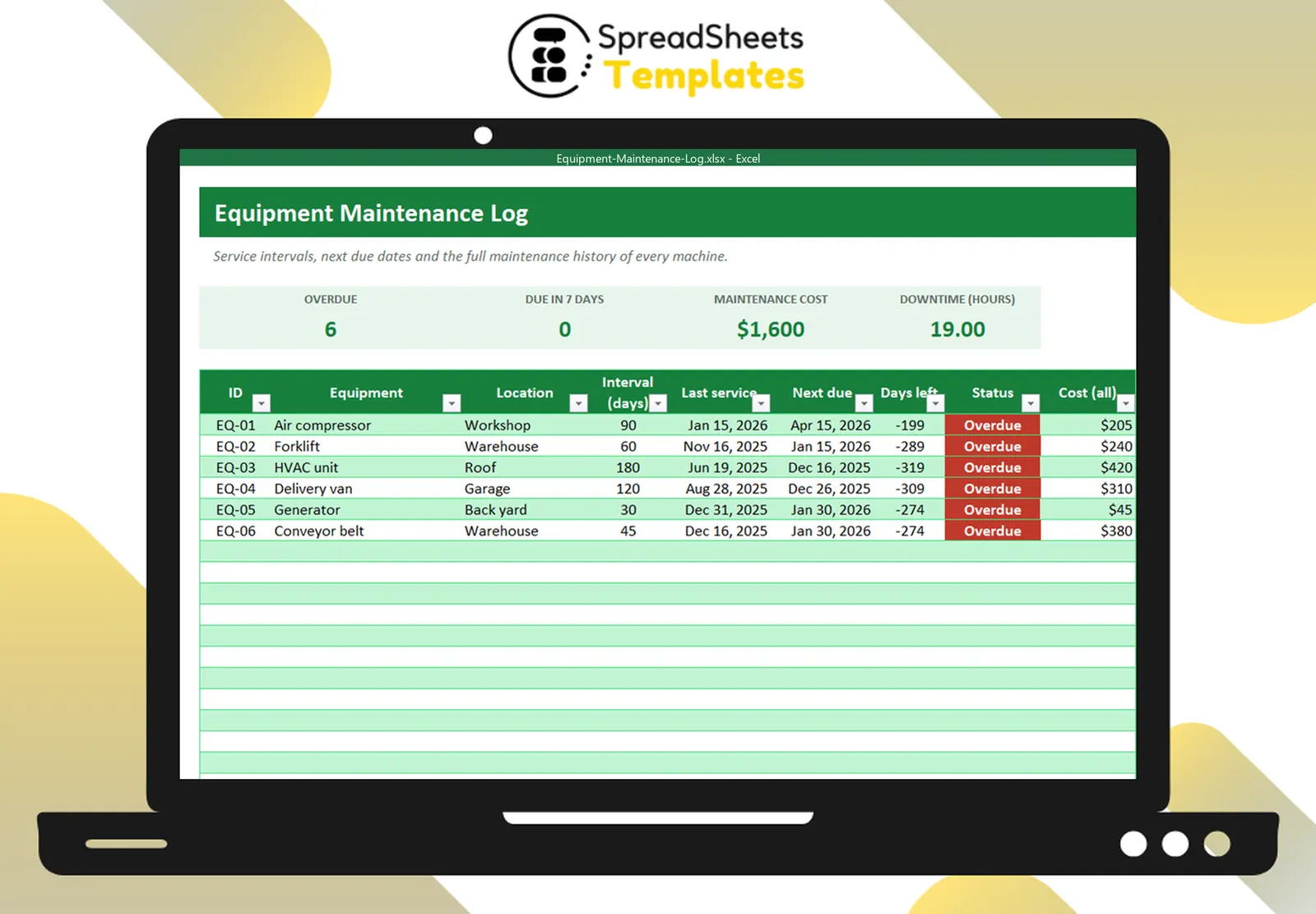
Next due = last service date + interval
In Excel, the last service per machine can be found with MAXIFS (or SUMPRODUCT(MAX(...)) in older versions). Then compare with today: overdue, due within 7 days, or OK.
Step 5: Review weekly
Start each week with the overdue and due-soon list. Book technicians, order parts and plan downtime when it hurts least.
Use the data
After a few months, the log tells a story:
- Which machines have the most corrective maintenance? They may need replacement.
- Where is downtime concentrated?
- What does each machine cost per year to keep running?
Template
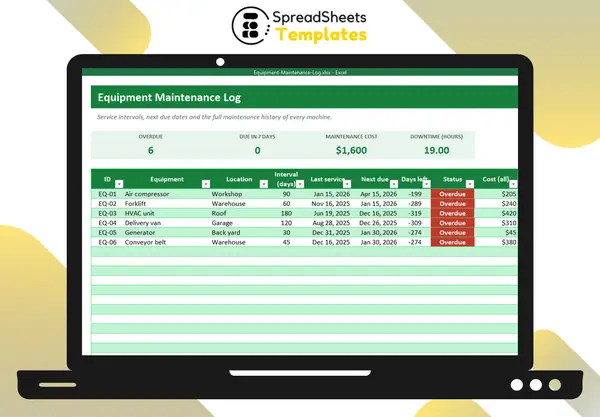
The Equipment Maintenance Log calculates the last service, next due date and status for each machine from your maintenance history, totals cost and downtime, and highlights overdue equipment. Keep values and locations in the Fixed Asset Register.