Inventory Control Spreadsheet in Excel: A Simple System That Works
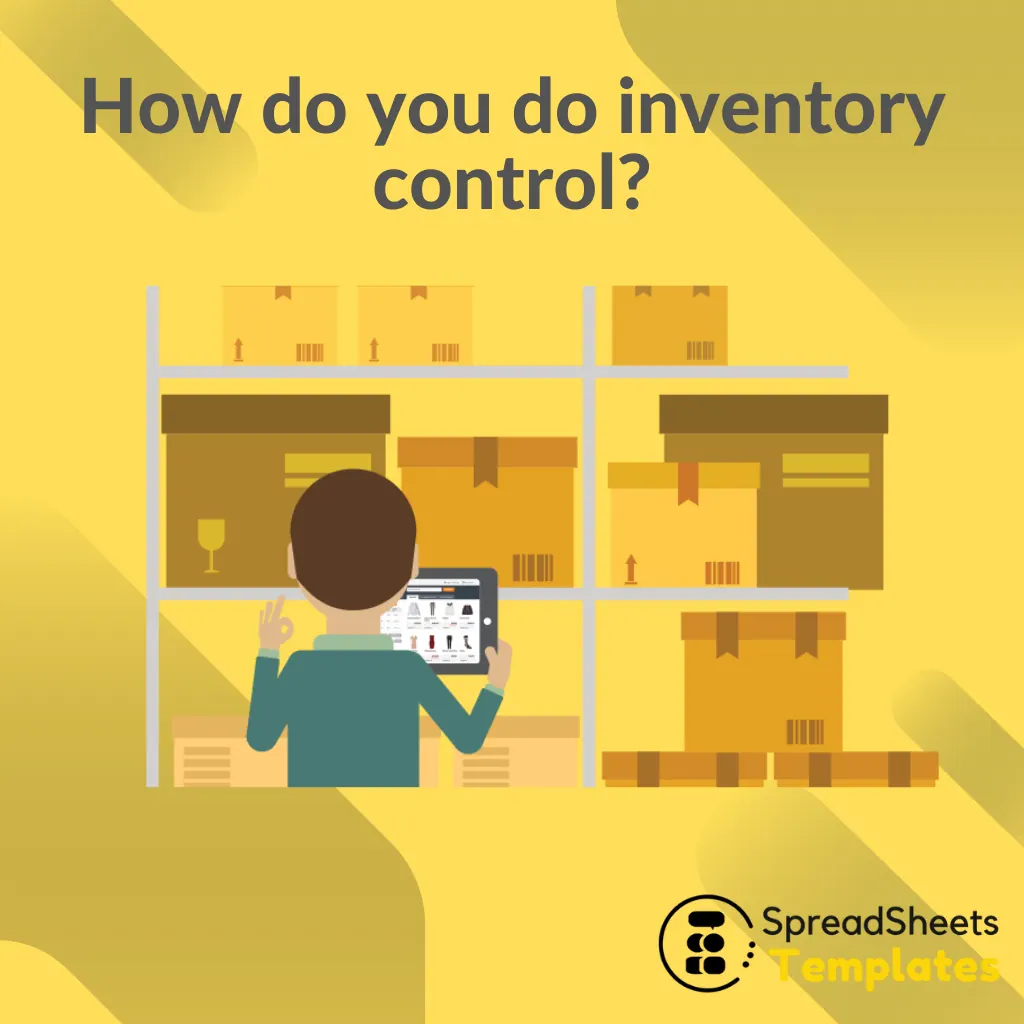
Too much stock ties up cash; too little loses sales. For small shops, workshops and restaurants, an inventory control spreadsheet is often all it takes to know what you have, what it’s worth and when to reorder.
The three tables of a stock system
| Table | One row per | Fields |
|---|---|---|
| Products | Item | Code, description, unit, location, minimum stock, cost |
| Movements | Entry or exit | Date, code, type (in/out), quantity, unit value, document, notes |
| Balance | Item (formulas only) | Total in, total out, current stock, stock value, status |
Keeping movements in their own table (instead of overwriting a “quantity” cell) gives you a full history and makes errors easy to trace.
The formulas
Total in       =SUMIFS(Movements[Qty], Movements[Code], [@Code], Movements[Type], "In")
Total out      =SUMIFS(Movements[Qty], Movements[Code], [@Code], Movements[Type], "Out")
Current stock  =[@[Total in]] − [@[Total out]]
Stock value    =[@[Current stock]] * [@Cost]
Status         =IF([@[Current stock]] <= [@[Minimum stock]], "Reorder", "OK")
Highlight the “Reorder” status in red with conditional formatting.
How to set the reorder point
A simple and widely used formula:
Reorder point = Average daily usage × Supplier lead time (days) + Safety stock
Example: you sell 8 units a day, the supplier takes 5 days to deliver and you keep 2 days of safety stock. Reorder point = 8 × 5 + 8 × 2 = 56 units. When stock reaches 56, place the order.
Perishable items: control expiration dates
For food, medicine and cosmetics, quantity isn’t enough. Add the batch and its expiration date, calculate the days left with =[@Expiration] − TODAY() and count what expires in the next 30 days. Sell or use the oldest batches first (FEFO: first expired, first out). Our Expiration Control Worksheet does exactly this.
Count regularly
Spreadsheets drift from reality through unrecorded breakage, theft and typing errors. Do a physical count at least monthly for high-value items (or a full count every quarter), record the difference as an adjustment movement and investigate large gaps.
Mistakes that ruin stock control
- Editing the quantity directly instead of recording a movement.
- Different names for the same product. Always use a product code from a drop-down list.
- Forgetting internal use and breakage. They are exits too.
- No minimum stock defined, so the spreadsheet can’t warn you.
Start simple
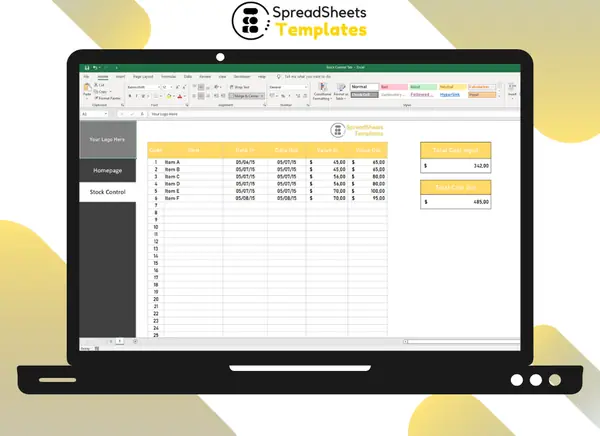
If you only need to log what comes in and goes out with dates and values, our Simple Stock Control Spreadsheet is ready to use: item, code, date in and out, value in and out, and total input and output costs. For perishable products, combine it with the Expiration Control Worksheet. And to see how stock affects your cash, read how to make a cash flow spreadsheet.
FAQ
Can Excel handle inventory for a small business? Yes, for hundreds of items and a few people updating it. Beyond that, or with barcode scanners and multiple stores, inventory software becomes worthwhile.
What’s the difference between FIFO and FEFO? FIFO sends out the oldest stock first; FEFO sends out what expires first. For perishables, FEFO is the safer rule.
How do I value my stock? Multiply the current quantity by the unit cost. Average cost is the simplest method for small businesses.