What Is a Purchase Order and How to Create One
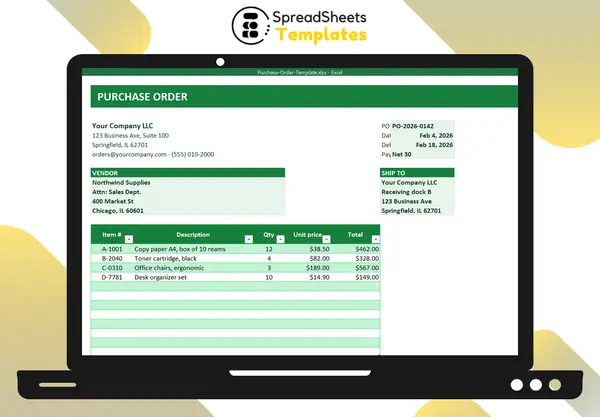
A purchase order (PO) is a document a buyer sends to a supplier listing what they want to buy, in what quantity, at what price and when. Once the supplier accepts it, it works like an agreement.
Why use purchase orders
- Fewer mistakes: quantities, prices and delivery dates are in writing.
- Approval control: only authorized people issue POs.
- Easier invoice checking: compare the invoice with the PO and the delivery (the “three-way match”).
- Budget visibility: open POs show money already committed.
What a purchase order includes
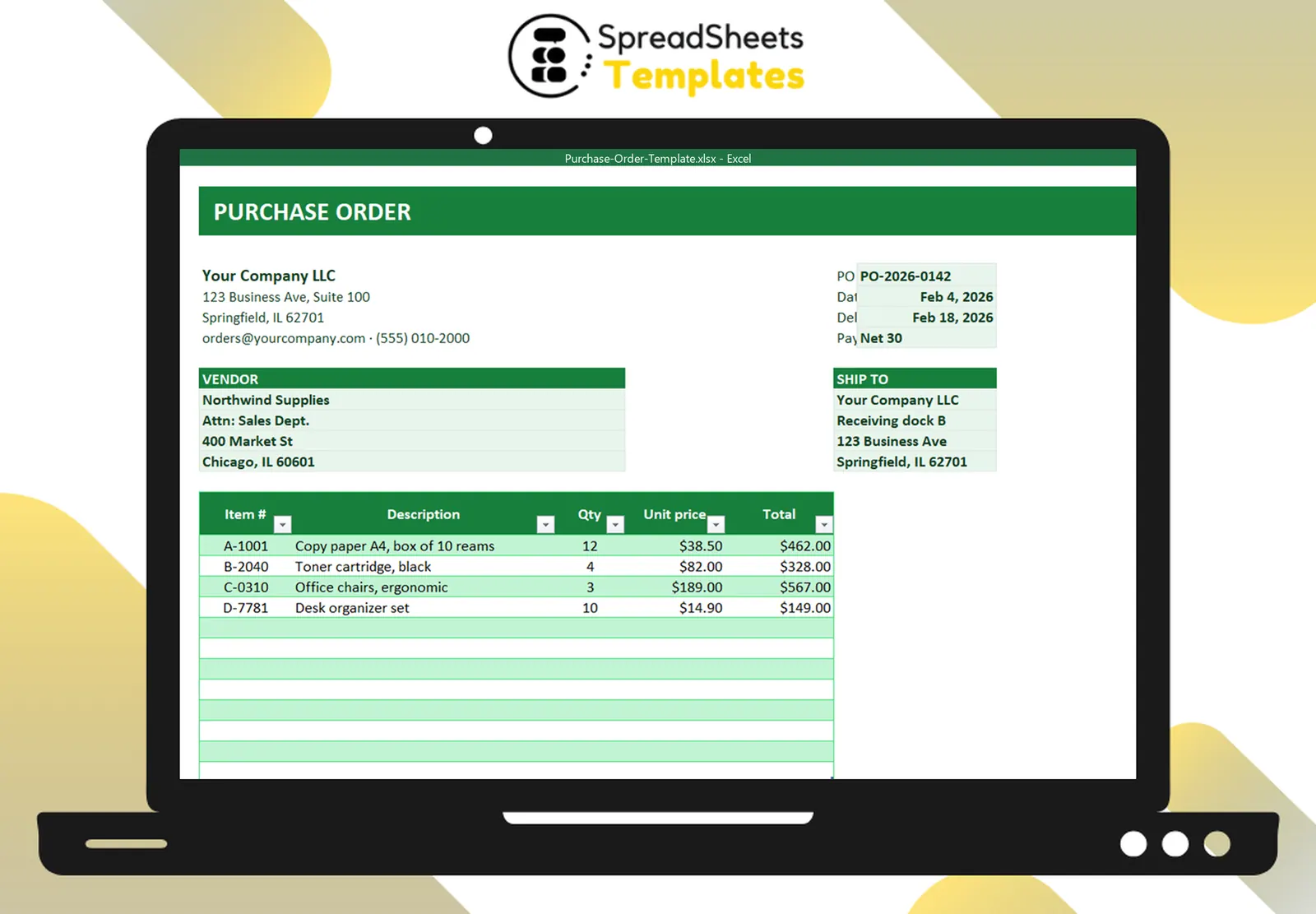
- Your company details (name, address, contact).
- PO number — unique, sequential (e.g., PO-2026-0142).
- Dates: order date and required delivery date.
- Payment terms (e.g., Net 30).
- Vendor and ship-to address.
- Line items: item number, description, quantity, unit price, line total.
- Totals: subtotal, discount, tax, shipping, grand total.
- Notes (e.g., “include the PO number on all invoices”) and authorization.
PO vs invoice
The PO comes from the buyer before delivery: “this is what we want to buy.” The invoice comes from the seller after delivery: “this is what you owe.”
Keep a PO log
A simple log with PO number, date, vendor, amount, delivery date and status (open, received, paid, cancelled) tells you at a glance what’s pending, what has arrived and what still needs payment.
Small-business workflow
- Issue the PO and send it as PDF.
- Supplier confirms.
- On delivery, check items against the PO; mark it received.
- When the invoice arrives, compare with PO and delivery; pay; mark paid.
Template
The Purchase Order Template has the company header, PO details, vendor and ship-to blocks, line items with automatic totals, discount, tax and shipping, plus a PO log with status colors. Keep track of supplier performance with the Supplier Evaluation Scorecard.